The moment you build a real dashboard, you start feeling it.
Navigation needs space. Content needs space. And whichever one wins, the other feels cramped.
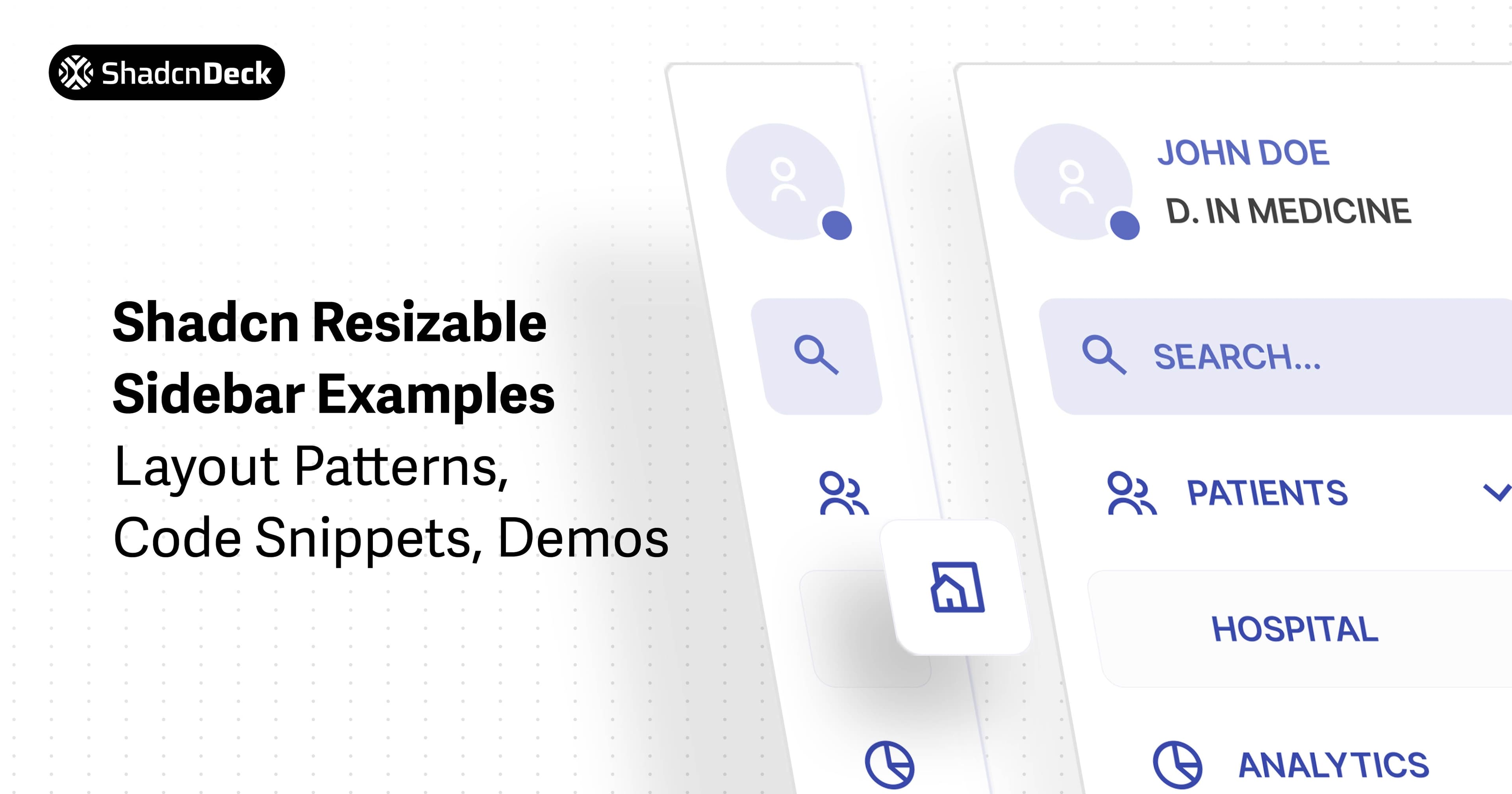
That's why a shadcn sidebar resizable layout is such a useful pattern. It gives users control. They can drag the sidebar wider when they're browsing sections, and shrink it when they want more room for the main content.
Here's the interesting part: shadcn/ui doesn't ship a dedicated "resizable sidebar" component as a single block. Instead, you compose it using the shadcn sidebar structure + resizable layout behavior. That's actually a good thing, because you're not locked into one style or layout.
In this guide, I'll share practical shadcn resizable sidebar patterns I've seen work well in real apps. Not just the basic version, but the ones that matter when you're shipping: collapsible sidebars, width persistence, constraints, cleaner resize handles, and mobile-friendly fallback layouts.
Prerequisites
Before you build a shadcn sidebar resizable layout, you only need a clean shadcn/ui setup and the right building blocks.
Here's what I assume your project already has:
- React 18+
- Tailwind CSS configured
- shadcn/ui installed and working
Now, for the sidebar itself, you'll need the shadcn sidebar component added in your project. If you're already using shadcn/ui layouts, you're probably halfway there.
And since this guide focuses on resizable behavior, you'll also be using a resizable layout pattern on top of the sidebar structure.
Once this setup is ready, we can move into the first working layout and start building from there.
Basic Implementation
Let's start with the base layout first.
This version gives you a clean resizable sidebar shadcn setup: a sidebar on the left, content on the right, and a drag handle in between. From here, every variation (collapse, persistence, constraints, mobile fallback) builds on the same structure.
What you get:
A working shadcn sidebar resizable layout with sensible defaults and width limits, so the sidebar doesn't shrink into nothing or expand too aggressively.
Key things worth noticing:
defaultSize={25}keeps the sidebar usable without stealing spaceminSizeandmaxSizeprevent broken layoutsResizableHandle withHandleadds a visible grab indicator
Now comes the practical part. Let's turn this into production-friendly patterns you'll actually ship.
Variations of Shadcn Resizable Sidebar
Now we're getting into the part that actually improves the product experience.
A basic shadcn sidebar resizable layout works, but real apps need a little more than that. Users expect collapse behavior, sensible width limits, saved preferences, and a layout that doesn't break on mobile.
Let's go variation by variation.
Advanced Shadcn Resizable Panel Variations
Creative patterns beyond the basics that you can use in your projects.
1. IDE / Code Editor Layout
A VS Code-inspired layout with file explorer, tabbed editor, and collapsible terminal panel.
2. Email Client Layout (Gmail/Outlook style)
Three-panel layout with folders sidebar, email list with selection state, and preview pane.
3. Resizable Dashboard Grid
Nested horizontal and vertical panels creating a 2x2 widget grid.
4. Snap-to-Grid Panels
Panels that snap to predefined percentage breakpoints (25%, 33%, 50%, 67%, 75%).
5. Keyboard-Driven Collapse
Collapsible side panels with Cmd+[ and Cmd+] keyboard shortcuts.
6. Custom Styled Handles
Four unique handle designs for different aesthetics.
7. Resizable + Collapsible Sidebar
Resizable is great, but sometimes users just want the sidebar out of the way. This variation gives you both: resize when needed, and collapse when focus matters.
When to use:
Dashboards where users switch between navigation-heavy browsing and deep focus work.
Key changes:
- Sidebar panel is conditionally rendered
- Added collapse/expand toggle buttons
- Main panel automatically fills available space
8. Persistent Sidebar Width (localStorage)
If a user resizes a sidebar once, they usually expect it to stay that way. This variation saves the sidebar width in localStorage, so your shadcn sidebar resizable layout feels consistent across page reloads.
When to use:
When your sidebar is part of a workspace UI where users spend a lot of time.
Key changes:
- Saves sidebar width using localStorage
- Restores width on page load
- Uses onLayout to capture resized values
Pro tip: This gets even more valuable when your sidebar contains filter-heavy screens. Shadcn Select inputs and persistent layout together make dashboards feel much smoother.
9. Hover-Only Resize Handle
Resizable handles are useful, but they don't need to be visually loud all the time. This variation keeps the UI clean by making the handle subtle, and only showing it clearly on hover.
When to use:
When you want a polished UI where the resize handle doesn't distract users.
Key changes:
- Custom ResizableHandle styling
- Handle becomes more visible on hover
- Same resize behavior, cleaner appearance
Tip: This kind of subtle UI polish pairs well with user-facing elements like avatars in the sidebar header.
10. Sidebar + Header Dashboard Layout
Most SaaS dashboards aren't just sidebar + content. They also have a top header for actions, search, filters, or profile controls. This variation gives you a more realistic layout structure while keeping the shadcn sidebar resizable behavior intact.
ShadcnDeck
Workspace
When to use:
For real dashboards where the header holds global actions and the sidebar handles navigation.
Key changes:
- Added a fixed top header with border-b
- Resizable panels sit inside the remaining body area
- Works well for workspace-based layouts
Pro tip: Settings dashboards often work best with shadcn tabs inside the main content area. That combo (header + resizable sidebar + tabs) feels like a complete app layout.
Resizable sidebars don't really translate to mobile. On smaller screens, drag-to-resize is awkward, and the sidebar often becomes more of a distraction than a feature.
This variation switches to a mobile-friendly drawer using a Sheet. On desktop, you can still keep your shadcn resizable sidebar layout.
When to use:
Any responsive app where mobile users need navigation without dealing with drag interactions.
Key changes:
- Sidebar becomes a Sheet drawer on mobile
- Trigger button appears only on small screens
- Clean fallback without breaking desktop UX
Now you've got 7 production-ready patterns for a shadcn sidebar resizable layout. Next, I'll cover the common issues and fixes people hit while shipping this UI.
5. Common Issues (and Fixes) with Resizable Sidebars
Once you implement a shadcn sidebar resizable layout, it usually works right away. But in real apps, a few issues show up quickly, especially when the sidebar has real navigation, nested scroll, and user state.
Here are the most common ones I've seen (and how I fix them).
1. Sidebar becomes too small to be usable
Even with resizing, you don't want users to shrink the sidebar into a broken UI.
Fix:
Set minSize and maxSize deliberately.
minSizekeeps text readablemaxSizeprevents content from being squeezed
You already saw this in the constrained variation, and it's worth keeping in every layout.
2. Drag handle feels hard to discover
If the divider blends in too much, users won't realize the sidebar is resizable.
Fix:
Use withHandle, or style the handle to show on hover.
The hover-only handle variation is a clean middle ground: visible when needed, quiet otherwise.
3. Sidebar width resets after refresh
This makes resizing feel pointless. Users don't want to resize the same sidebar every day.
Fix:
Persist the width using localStorage.
That's why the persistent width variation is one of the most useful patterns in this whole guide.
4. Sidebar scroll feels broken
This happens when:
- the sidebar content is taller than the viewport
- the panel container isn't managing height properly
Fix:
Make sure your sidebar container is full height and scrollable:
- keep the panel height stable (
h-full) - add internal scrolling only where needed (
overflow-auto)
5. Mobile UX feels worse with resizable behavior
On mobile, drag-to-resize isn't a great interaction. It's also too easy to trigger it accidentally.
Fix:
Use a drawer-based navigation fallback (Sheet/Drawer).
Resizable sidebars are a desktop UX win. On mobile, a clean open/close menu is almost always better.
6. The layout feels "empty" even when it works
This is a subtle one. Sometimes the layout is technically correct, but it doesn't feel complete because the main content lacks structure.
Fix:
Pair the sidebar layout with UI patterns that organize content:
- Tabs for grouped settings and sections
https://www.shadcndeck.com/blog/shadcn-tabs-component - Select inputs for filters and dashboards
https://shadcndeck.com/blog/shadcn-select-component/ - Avatars for user identity and workspace context
https://shadcndeck.com/blog/shadcn-avatar/
Those combos make a sidebar layout feel like a real product, not a demo.
If you're building a chat-style workspace layout (like conversations + navigation + content), this same sidebar structure applies there too.
https://shadcndeck.com/blog/shadcn-chat-ui/
6. Conclusion
A shadcn sidebar resizable layout isn't just a UI upgrade. It's a usability improvement. It gives users control over their workspace and helps your dashboard feel more flexible without redesigning every screen.
The base implementation is straightforward, but the real value comes from the patterns around it: collapse behavior when focus matters, width persistence for daily use, constraints for better UX, subtle resize handles, and a mobile fallback that doesn't fight the device.
If you build dashboards, admin panels, or workspace-style apps with shadcn/ui, this is one of those layouts that consistently makes the interface feel more polished and more user-driven.
Related Posts
Explore more shadcn component guides:
- Shadcn Tabs Component Guide - Build dynamic tabbed interfaces for content organization
- Shadcn Accordion Component Guide - Create collapsible sections with smooth animations
- Shadcn Select Component Guide - Build custom dropdown selects with search functionality
- Shadcn Avatar Component Guide - Add user avatars to your sidebar and navbar